

Running an indie bookstore across multiple sales channels feels fine until that one Wednesday afternoon when a customer wants the last copy of a bestseller that sold online three minutes ago. Or when your website shows five copies available but two are reserved for tomorrow's book club pickup. Or when your Instagram shop just oversold a limited-edition signed copy that was supposed to stay on the floor.
It compounds fast. You start holding back inventory "just in case," which creates dead stock sitting in boxes while your website shows out-of-stock. Staff second-guesses every sale, manually checking three systems before confirming availability. Your omnichannel strategy stops being about meeting customers where they shop and becomes damage control after preventable mistakes.
The inventory allocation trap that kills customer trust
Here's what typically breaks first: a bookstore receives 20 copies of a buzzy title. They list all 20 online because that's where most presales happen. But they also want copies on the floor for browsing customers. So they display 10, figuring they'll pull from displayed stock for online orders if needed.
Day one: Three online orders come in while two customers buy in-store. Simple enough—pull three from the display, leaving five visible. Except the person processing online orders doesn't know about the in-store sales yet. They pack from the back stock. Now you have 15 copies total but your systems show different numbers everywhere.
Day three: A customer places a special order for her book club—six copies, needed next week. Staff promises availability based on what they see on shelves plus what the computer shows. Then four more online orders process that afternoon. Suddenly you're short. This repeats across every title, every channel, every day.
Staff starts stashing copies in unauthorized spots—under the register, in the office, behind the info desk—creating shadow inventory that exists nowhere in your systems. The floor looks empty while boxes of "reserved" stock pile up in back. Online shoppers see out-of-stock messages for books sitting unsold three feet from your register.
The trust erosion happens on both ends. Online customers learn your "in stock" status means nothing. In-store shoppers stop believing you can get them books. Your reputation drifts from "reliable local bookstore" to "maybe just check Barnes & Noble."
Channel hierarchies that actually work in practice
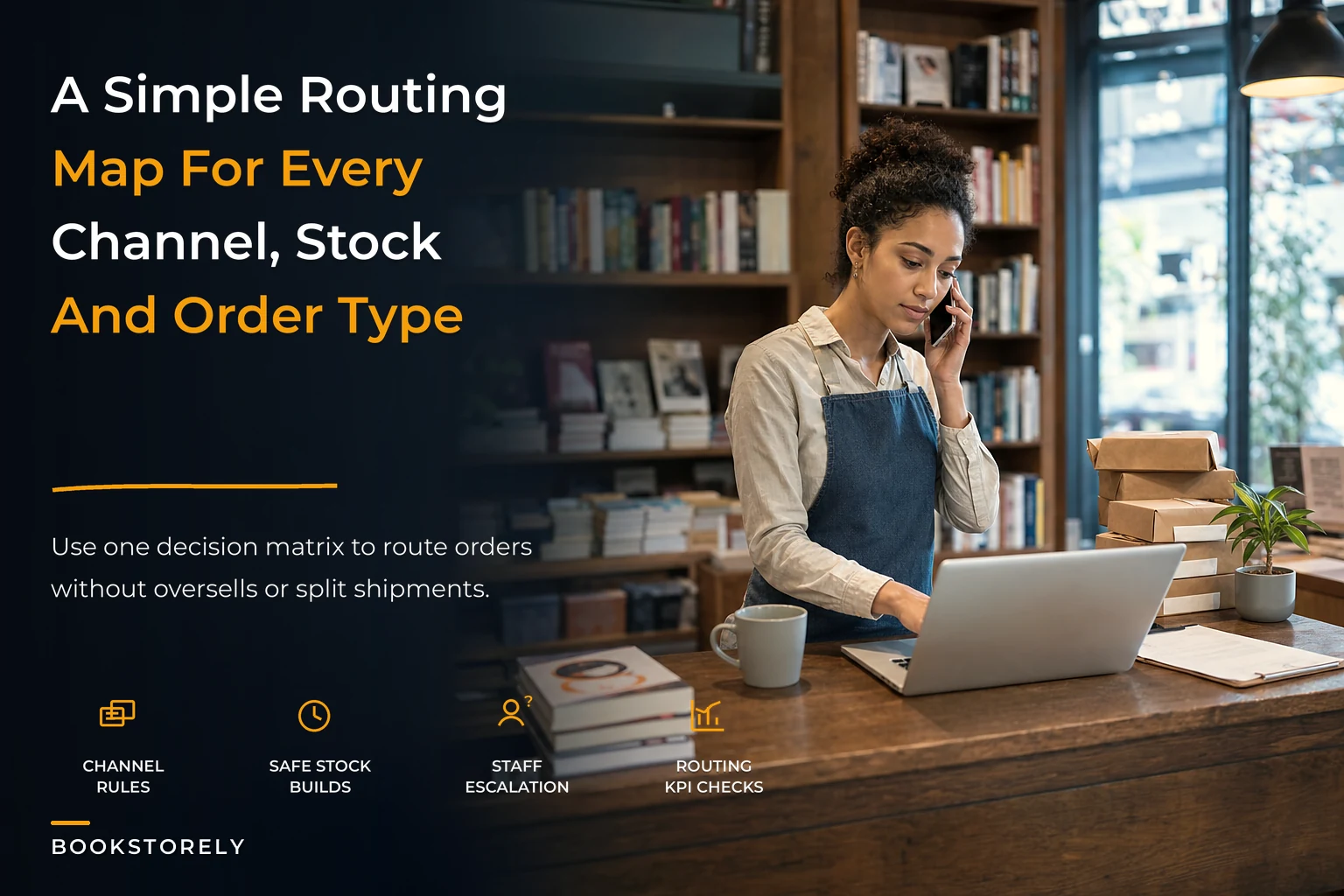
Building a real omnichannel strategy starts with accepting that not all channels deserve equal priority. Your routing rules need to reflect both margin realities and customer expectations.
Never miss a sale or stock shortage again.
Bookstorely helps you manage inventory, orders, and customer relationships seamlessly.
- Integrated inventory tracking
- Customer purchase history
- Sales reporting & analytics
No credit card required
| Category | Primary Channel | Secondary | Reserve % |
|---|---|---|---|
| New hardcovers | Floor display | Website | 30% floor |
| Paperback fiction | Website | Floor | 20% floor |
| Staff picks | Floor display | None | 100% floor |
| Special orders | Dedicated stock | None | 100% reserved |
| Event books | Floor until event | Website after | Variable |
| Rare/signed | Floor with online notation | 100% floor | |
| Bestsellers | Split allocation | All channels | 40% floor |
| Pre-orders | Website | Phone/email | 100% reserved |
The exact percentages matter less than having them documented. A store doing 70% of sales online might flip these ratios entirely. What breaks operations is changing the rules daily based on whoever's working.
Take a bookstore with 12 copies of a new memoir. Using the table above, they'd immediately route 4 copies to floor display and mark 8 as available online. If floor copies sell faster than expected, there's a clear next step: check whether online orders allow a 24-hour processing window, then shift 2 copies from online allocation to floor, updating the website immediately.
What most stores miss: the reserve percentage needs to account for processing time. If online orders take 4 hours to pick and pack, those copies need to be physically separated or clearly marked. Otherwise, afternoon floor sales eat into morning online orders that haven't been pulled yet.
Safety stock carve-outs that prevent oversells
Every experienced bookseller knows the Friday afternoon panic: three customers want the same book for weekend events, your website shows "1 available," and someone's on the phone asking if you can hold it. This is where safety stock rules save you from impossible promises.
The basic formula to compute a per‑SKU safety reserve for short windows: Safety reserve (copies) = average daily sales processing\lag\days + (average daily sales event\days event\uplift) + (on\hand\quantity damage\_rate)
-
Average daily sales = 3 copies/day (bestseller)
-
Processing lag = 1 day (you pick/pack once per day)
-
Event uplift window = 48 hours → event\_days = 2
-
Event uplift = 15% (temporary extra demand during event)
-
Damage allowance = 3.3% (≈1 in 30) of on-hand stock
-
On-hand quantity = 12 copies
Calculate:
Time-based reserve = 3 * 1 = 3 copies
Event uplift copies = 3 2 0.15 = 0.9 → round up to 1 copy
Damage allowance = 12 * 0.033 ≈ 0.4 → round up to 1 copy
Total safety reserve ≈ 3 + 1 + 1 = 5 copies
Web-available quantity = on-hand − safety reserve = 12 − 5 = 7 copies
PRO TIP: round safety reserves up to whole copies and re-calculate monthly. Link event buffers to event calendars so the system or staff can automatically toggle extra reserves 48 hours before an event. See the event playbook for timing: event playbook
Which stack should I pick? A compact decision matrix
-
Under 100 orders/week and catalog under ~10k SKUs — Recommended class
POS-first with native ecommerce. Example stacks: Shopify (Shopify POS + store), Square for Retail + Square Online. Why: fast launch, low technical overhead, good event/mobile support. Typical implementation time: 20–80 hours. See Shopify POS docs: https://www.shopify.com/pos/omnichannel and Square for Retail: https://squareup.com/us/en/retail
-
100–500 orders/week or catalog 10k–50k SKUs — Recommended class
Bookstore-focused POS or modern retail POS with bookstore extensions (or hybrid with lightweight middleware). Example stacks: Lightspeed or Basil Bookseller Software; Shopify + middleware (Order Desk/Sellbrite) for marketplace routing. Why: better book metadata support or stronger location-level inventory with more configurability. Typical implementation time: 80–200 hours. See Lightspeed: https://www.lightspeedhq.com/retail/ and Basil POS: https://basilsoftware.com/point-of-sale
-
Over 500 orders/week, many marketplaces, or multi-location networks — Recommended class: OMS / channel manager + POS integrations. Example stacks: Order Desk or Sellbrite for routing + ShipStation for shipping orchestration + POS for in-store operations. Why: rules-based routing, marketplace management, scale into 3PLs. Typical implementation time: 200–400+ hours (may need dev/consultant). See Order Desk: https://www.orderdesk.com/ and Sellbrite overview: https://support.sellbrite.com/en/articles/3367149-how-does-sellbrite-work?utm\_source=openai
PRO TIP: if you plan to use ABA/IndieCommerce or Ingram drop-ship as a fallback, factor connector/setup time and membership requirements into the mid-range plan (see IndieCommerce: https://indiecommerce.com/ and Ingram: https://www.ingramcontent.com/).
Platform trade-off matrix (compact)
| Platform class | Cost to start | Implementation time | Real-time accuracy | Book-metadata support | Event / offline support | Staffing/technical burden |
|---|---|---|---|---|---|---|
| Bookstore‑focused POS (Basil, Booklog, Anthology) | Low–Medium | Medium | Medium | High | Medium | Medium |
| General retail POS + web (Shopify, Square, Lightspeed) | Low | Low–Medium | High (native) | Low–Medium | High | Low–Medium |
| Headless/web-first storefront + external POS | Medium | Medium | Medium | Low–Medium | Medium | Medium |
| Middleware / OMS / Channel manager (Order Desk, Sellbrite) | Medium–High | Medium–High | Depends on sync pattern | Low | Medium | High (config) |
| Marketplace / listing hub (AbeBooks/HomeBase, Bookshop affiliate) | Low | Low | Low | Low | Low | Low |
Notes: "Real-time accuracy" depends on whether the platform maintains location-level inventory natively (Shopify, Lightspeed) or relies on batched syncs (some bookstore legacy POS integrations). Middleware adds routing flexibility but increases monitoring and monthly subscriptions.
Vendor examples and authoritative docs (examples, not endorsements)
-
Shopify POS omnichannel docs — https
//www.shopify.com/pos/omnichannel
-
Square for Retail — https
//squareup.com/us/en/retail
-
Lightspeed Retail — https
//www.lightspeedhq.com/retail/
-
Basil Bookseller Software — https
//basilsoftware.com/point-of-sale
-
Booklog — https
//www.booklog.com/retail.html
-
Anthology POS — https
//www.anthologysoftware.com/
-
IndieCommerce (ABA platform) — https
//indiecommerce.com/
-
Order Desk — https
//www.orderdesk.com/
-
Sellbrite overview/support — https
//support.sellbrite.com/en/articles/3367149-how-does-sellbrite-work?utm\_source=openai
-
ShipStation integrations/features — https
//www.shipstation.com/features/integration-management/?utm\_source=openai
-
Bookshop.org support / affiliate model — https
//support.bookshop.org/en/support/solutions/articles/65000169519/?utm\_source=openai
-
Ingram Content Group — https
//www.ingramcontent.com/
Implementation note: treat vendor pages above as starting points for connector details (APIs, webhook patterns, sync frequency). If you plan an integration, require a developer review of the vendor API/webhook docs before building production rules.
Copy‑paste routing rule templates (IF / THEN)
-
Nearest-store fulfillment for local orders — IF order channel = website AND customer\postal\distance <= X miles AND local\location\inventory > 0 THEN allocate from nearest location and set fulfillment method = "pickup" or "local-delivery". Implementation note: common in Shopify with location routing; in middleware, implement a proximity check and set fulfillment\_location in the order object.
-
In‑day processing window + drop‑ship fallback — IF order placed outside processing\_window (e.g., after 3pm cut-off) THEN mark order "process next business day" and do NOT decrement web-available count until next pick wave; ELSE pick from web-available inventory. IF web-available inventory = 0 AND SKU is drop-ship eligible THEN create drop-ship order to distributor (Ingram/B&T) and mark as "supplier-fulfill". Implementation note: most OMS tools (Order Desk) support conditional routing; in native POS-first stacks use hold/draft orders or location-level flags.
-
Event reserve / 48‑hour lock — IF event\date − now <= 48 hours AND SKU flagged\event\_reserve = true THEN lock Q copies (Q defined per SKU or category) from all online channels and mark those copies as "event reserve". Implementation note: implement flagging in POS (some bookstore POSes have event modules) or use a middleware rule to adjust inventory levels for the event location.
PRO TIP: express rules with exact field names your platform uses (location\id, inventory\level, order\_status). If you need to translate these templates to a vendor's UI, capture them as "routing requirements" for a developer or consultant to implement.
Single source of truth (SoT): three recommended choices and when to pick each
-
POS as SoT — Pros
single place staff already use, often knows returns/special orders, good for stores that value in-store workflows and event/offsite sales. Cons: many POS vendors lack modern marketplace connectors or full API capabilities. Choose when: your store is primarily in-person or you use a bookstore-focused POS that already supports ISBN and distributor flows.
-
OMS / Order hub as SoT — Pros
centralizes rules, routing, marketplace mapping and 3PL dropship; strong for multi-marketplace sellers. Cons: added subscription and configuration work; your POS may become a downstream system for local fulfillment counts. Choose when: you sell on multiple marketplaces or run >500 orders/week and need programmable routing rules.
-
Headless storefront / ecommerce as SoT — Pros
best for marketing-first stores that need advanced web features (subscriptions, custom checkout). Cons: requires robust POS integration; risks conflicts if POS is still updating inventory independently. Choose when: your online channel is the strategic focus and you will invest in reliable POS connectors or an OMS.
Make the SoT decision explicit in documentation and training so overrides, reconciliation and audits have a clear owner.
Precise KPI definitions and alert thresholds
Website order accuracy rate — Numerator: number of web orders fulfilled and shipped as-ordered without cancellation/substitution due to stock error. Denominator: total web orders placed in the same period. Alert if: < 97% (investigate systematic inventory or sync issues).
Channel conflict rate — Numerator: number of orders that required manual inventory movement between channels to fulfill (e.g., pulling floor stock for web order). Denominator: total orders (all channels) in the period. Alert if: > 10% (review allocation rules and visual controls).
Reserve violation frequency — Numerator: number of times safety stock was sold/overridden. Denominator: measurement period (week/month). Alert if: > 1 per week for a medium catalog (indicates physical/procedural gap).
Cross-channel completion time (for web orders) — Measure: time from order placement to "ready-for-pickup" or "shipped". Benchmark: set internal SLA (e.g., 24 hours for local orders); alert when rolling average exceeds SLA by 25%.
PRO TIP: surface these KPIs on a simple dashboard (daily trending for order accuracy, weekly for conflict rate). Internal link: see KPI and cycle-count programs for cadence ideas — /blog/monthly-cyclecount-program-for-indie-bookstores-20minute-daily-audits.
Implementation checklist / migration playbook (minimum)
-
Data mapping and exports — Map ISBN → SKU (canonicalize edition-level SKUs). Map locations and bins to platform location\_ids. Map channel codes (web, store, event, marketplace). Export a sample 50-SKU CSV with all fields for test imports.
-
Test scenarios (run before go-live) — Concurrent sale
simulate 2 web orders + 2 in-store sales hitting the same SKU within 15 minutes. New shipment quarantine: receive goods, quarantine for 2 hours, then release to channels. Event reserve: flag an SKU for event reserve and simulate a web sale during reserve period. Returns flow: process full and partial returns, ensure inventory updates correctly. Dropship fallback: simulate local OOS and route to Ingram/B&T.
-
Minimum reconciliation cadence — Small stores (<100 orders/week)
daily reconciliation (end-of-day). Mid stores (100–500): twice-daily pick waves and nightly full reconciliation. High volume (>500): near‑real‑time exception monitoring + nightly full reconciliation.
-
Quick rollback plan — Keep backups of product & inventory CSVs. Establish a single "pause sales" switch (site maintenance mode or channel disable) to prevent further oversells during emergency. Document who can execute rollback, and test the rollback procedure once.
-
Training and ownership — Assign channel owners
website inventory owner, floor allocation owner, events coordinator. Run 1‑hour training sessions for staff on the new picklists, override codes, and escalation rules.
-
Estimated hours / bandwidth (1–3 person small team) — POS-first (Shopify/Square): 1–2 people, 20–80 hours (setup + training). Bookstore-focused POS (Basil/Booklog): 1–2 people, 80–160 hours (data cleansing + config). Hybrid with middleware/OMS (Order Desk + POS + ShipStation): 1–3 people, 200–400 hours (integration, rules, and testing); developer/consultant likely needed.
These are planning estimates — adjust for catalog size, custom fields (signed/rare flags), and distributor/EDI work.
Link to migration playbooks for specific flows: subscription boxes — /blog/subscription-boxes-bleeding-margin-a-launch-and-fulfillment-playbook; preorders SOP — /blog/dont-let-preorders-become-fulfillment-nightmares-a-compact-sop; packing standards — /blog/packing-standards-that-reduce-damage-and-returns-costed-rules; event P&L & staffing — /blog/event-p-ls-explained-ticketing-capacity-and-pricing-rules-that-make.
Operational workflows (short)
-
Receiving & quarantining new shipment (2‑hour rule) — Physically tag incoming carton with arrival timestamp. Scan and record quantities into SoT but mark location as "Quarantine" for 2 hours. During quarantine, allocate display and safety copies in the SoT. After allocations, change location to "saleable" which updates online availability.
-
Online order → local pickup flow — Website creates order with fulfillment\_location set to chosen store. POS prints a pickup manifest with order number and picklist color-coded. On arrival, staff scan order, mark it fulfilled in POS/SoT and record pickup timestamp. If the item was in a reserve bucket, decrement reserve and log override if used.
Monitoring and continuous improvement
Start by measuring the KPI trio daily for two weeks after any platform change. Run weekly 15-minute channel review meetings (review conflicts, overrides, and unusual patterns). After one month, re-run safety reserve calculations per category and adjust allocations.
If route changes free working capital (example: reduce blanket reserves from 40% to 15%), compute freed cash as: Freed cash = (previous\reserve% − new\reserve%) * average\inventory\value
Use that freed capital to fund the next operational improvement (e.g., better scanner hardware or a middleware trial).
Final checklist before you launch a new channel or platform
-
SKU/ISBN canonicalization completed
-
Locations and event sites created in SoT with clear naming
-
Safety reserves calculated and applied
-
3 test scenarios passed (concurrent sale, event reserve, dropship fallback)
-
Staff trained and escalation rules documented
-
Reconciliation cadence scheduled and responsible parties assigned
-
Emergency "pause sales" procedure tested
If you want a shorter migration template, start with these how‑tos in the site library: inventory taxonomy & de‑dupe — /blog/bookstore-inventory-taxonomy-stop-edition-chaos-dedupe-isbns; cycle‑count program — /blog/monthly-cyclecount-program-for-indie-bookstores-20minute-daily-audits; retail automation blueprint — /blog/retail-automation-blueprint-for-indie-bookstores-copypaste-csv.
Everything above is designed to help you translate the operational rules you already use into a platform choice and a short, testable rollout. Start with a small, high-value pilot (3–5 SKUs), validate your routing rules end-to-end, then expand category-by-category. When in doubt, pick the simplest tool that enforces the rule you most often have to resolve manually.
Ready to elevate your bookstore’s operations?
Join 500+ bookstores using Bookstorely to boost sales, optimize stock, and delight book lovers.